 Plentibytes
"Did the hauler ever get that?"
Requests disappear into email
A customer's request becomes an email to the hauler, then a follow-up, then a phone call. Nobody can see what is open or who is holding it.
For waste brokers
Customers on one side, service providers on the other. Requests route to the assigned hauler as tickets, their replies move the ticket, and you see who is slow. An AI agent answers as your company.
The problem
"Did the hauler ever get that?"
A customer's request becomes an email to the hauler, then a follow-up, then a phone call. Nobody can see what is open or who is holding it.
"Which account is that site under?"
One customer, twelve sites, four haulers, three billing arrangements. The answer to a simple question lives in five places.
"We will get back to you."
Your team cannot answer a service question without asking the hauler first, so every caller waits for a callback.
What runs it
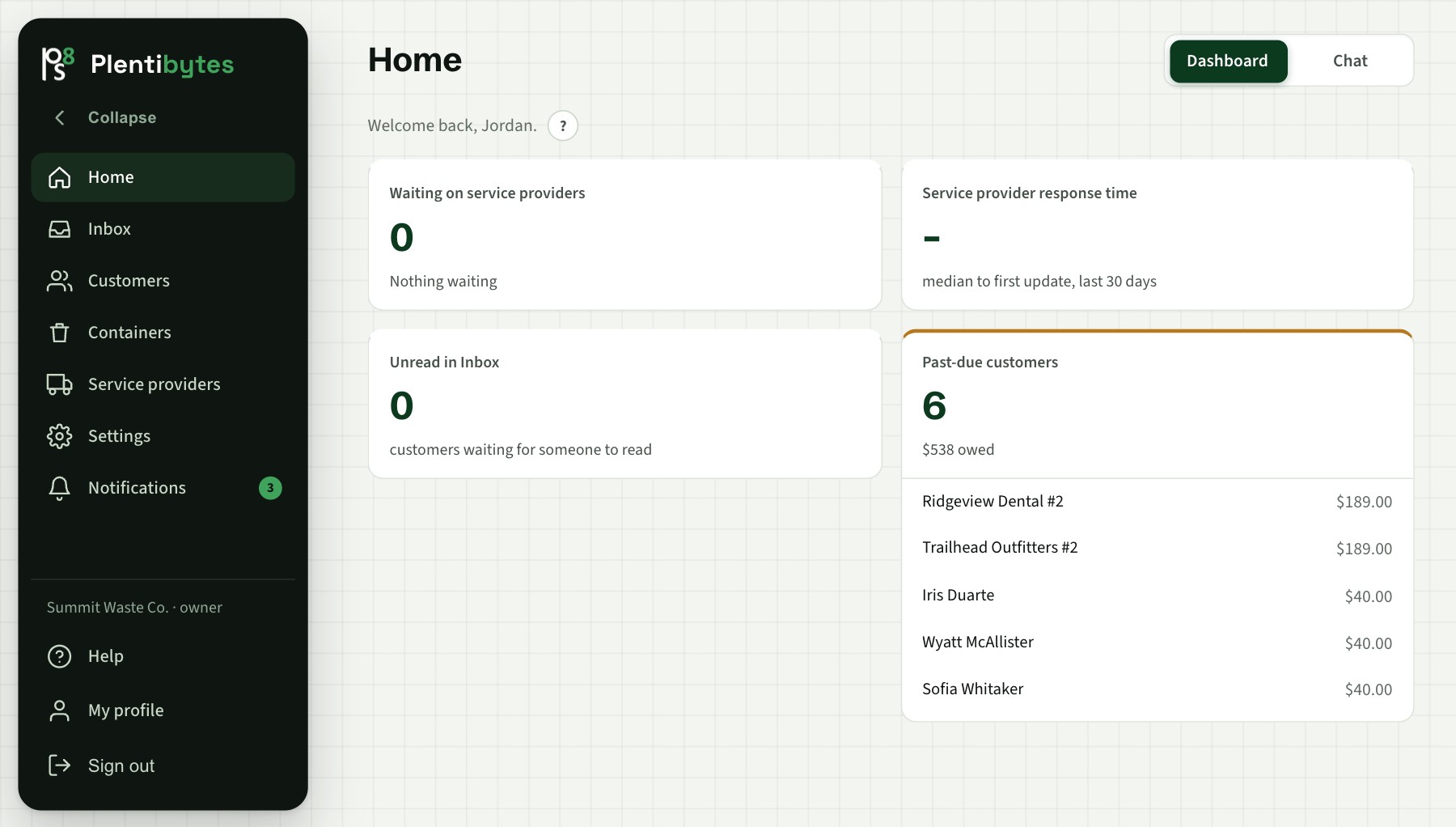
Tickets waiting on each provider, oldest first, and each provider's median time to first update.
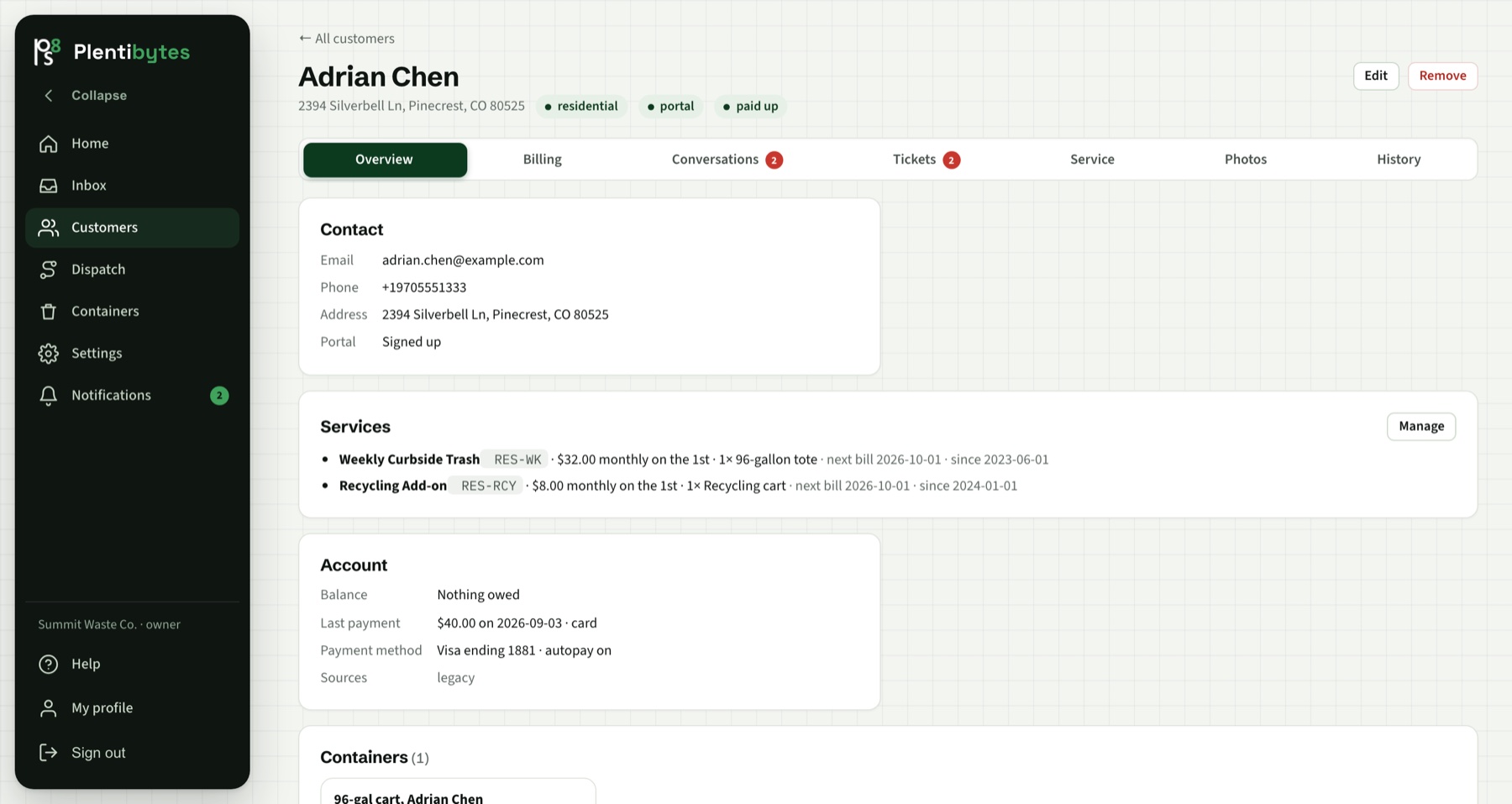
Each customer with its sites, containers, assigned haulers, balance and every conversation.
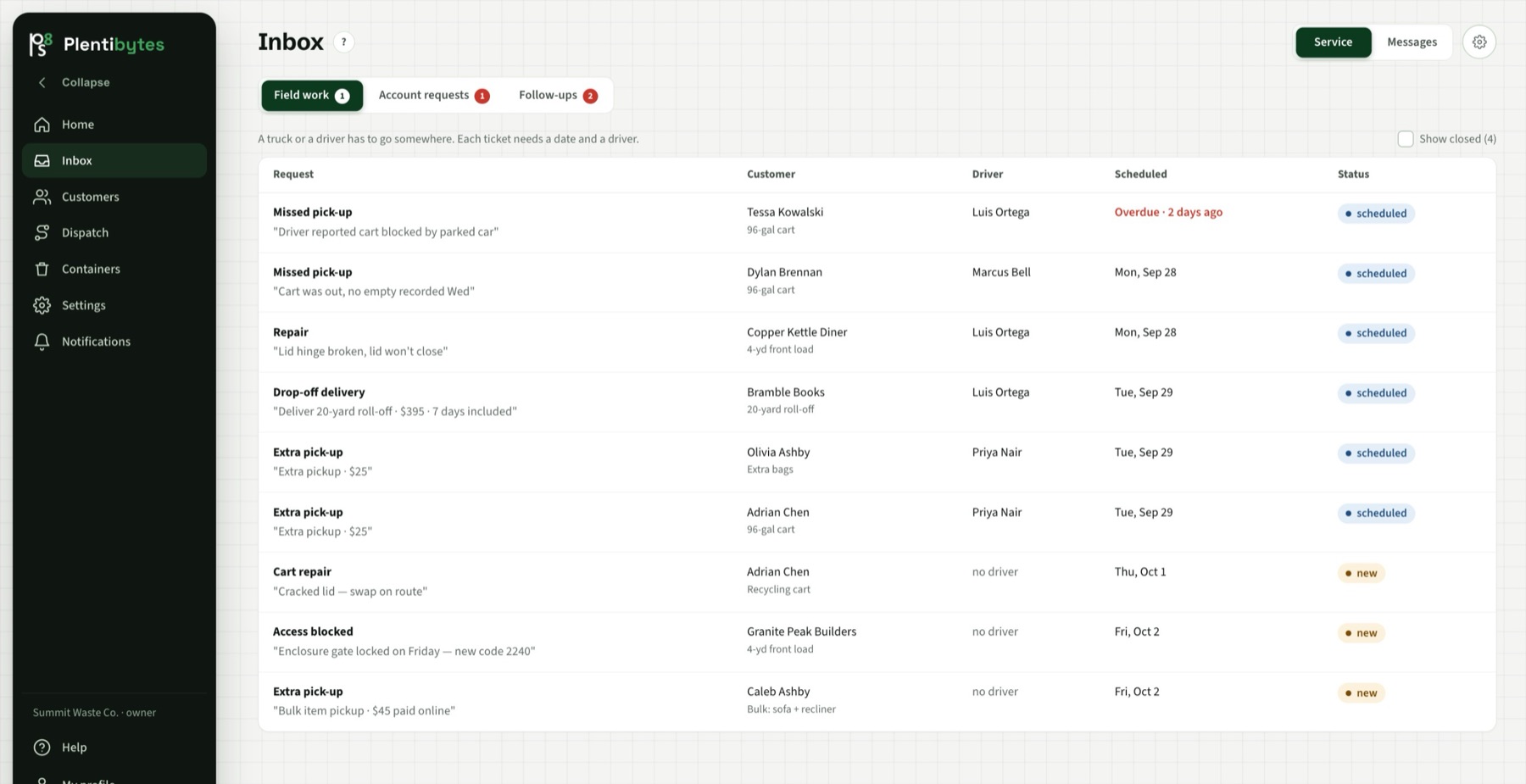
Every request is a ticket on the responsible hauler. Their reply from the portal or by email moves it.
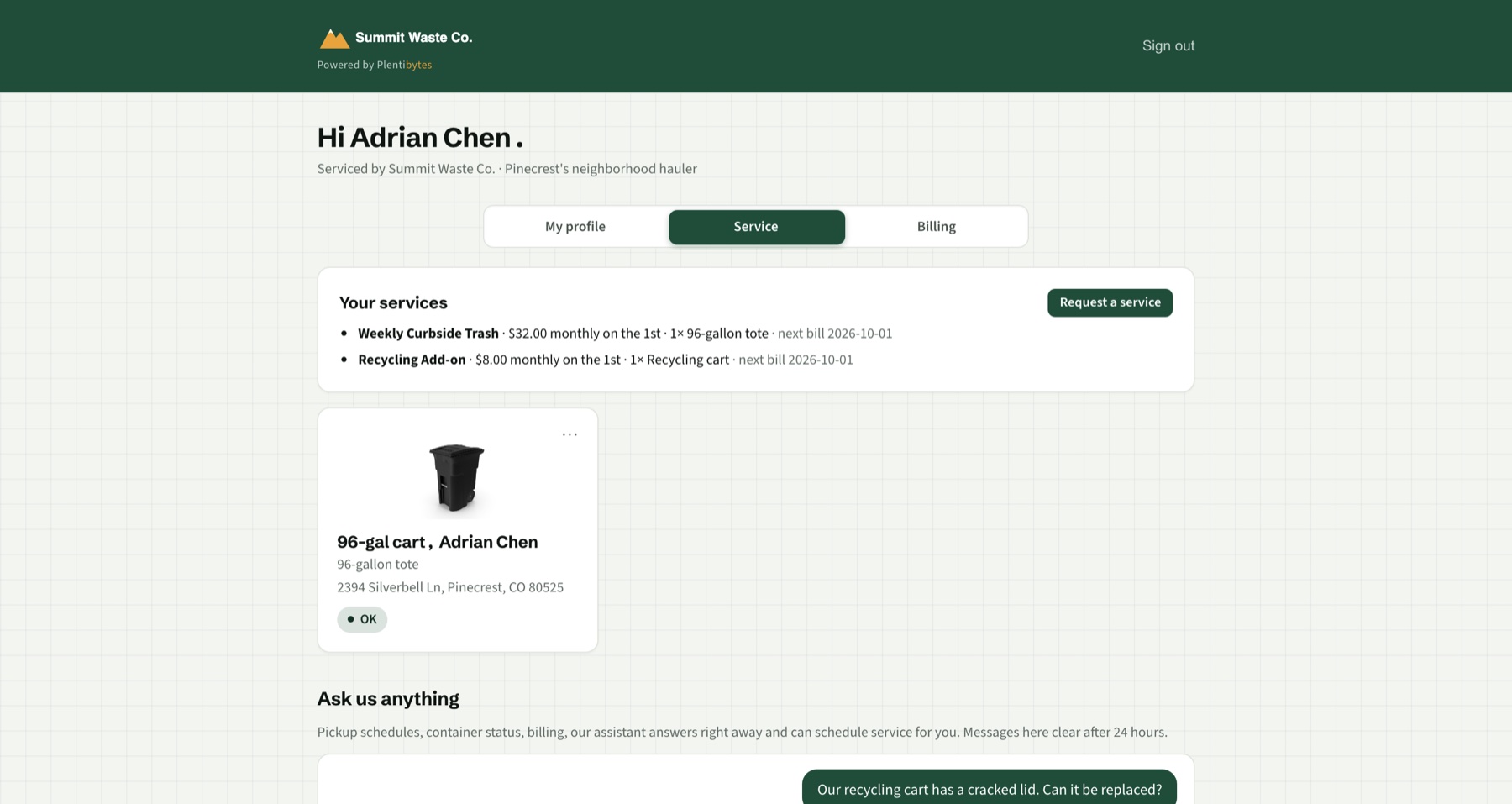
Haulers sign in with a one-time code, see their containers and tickets, and update them there.
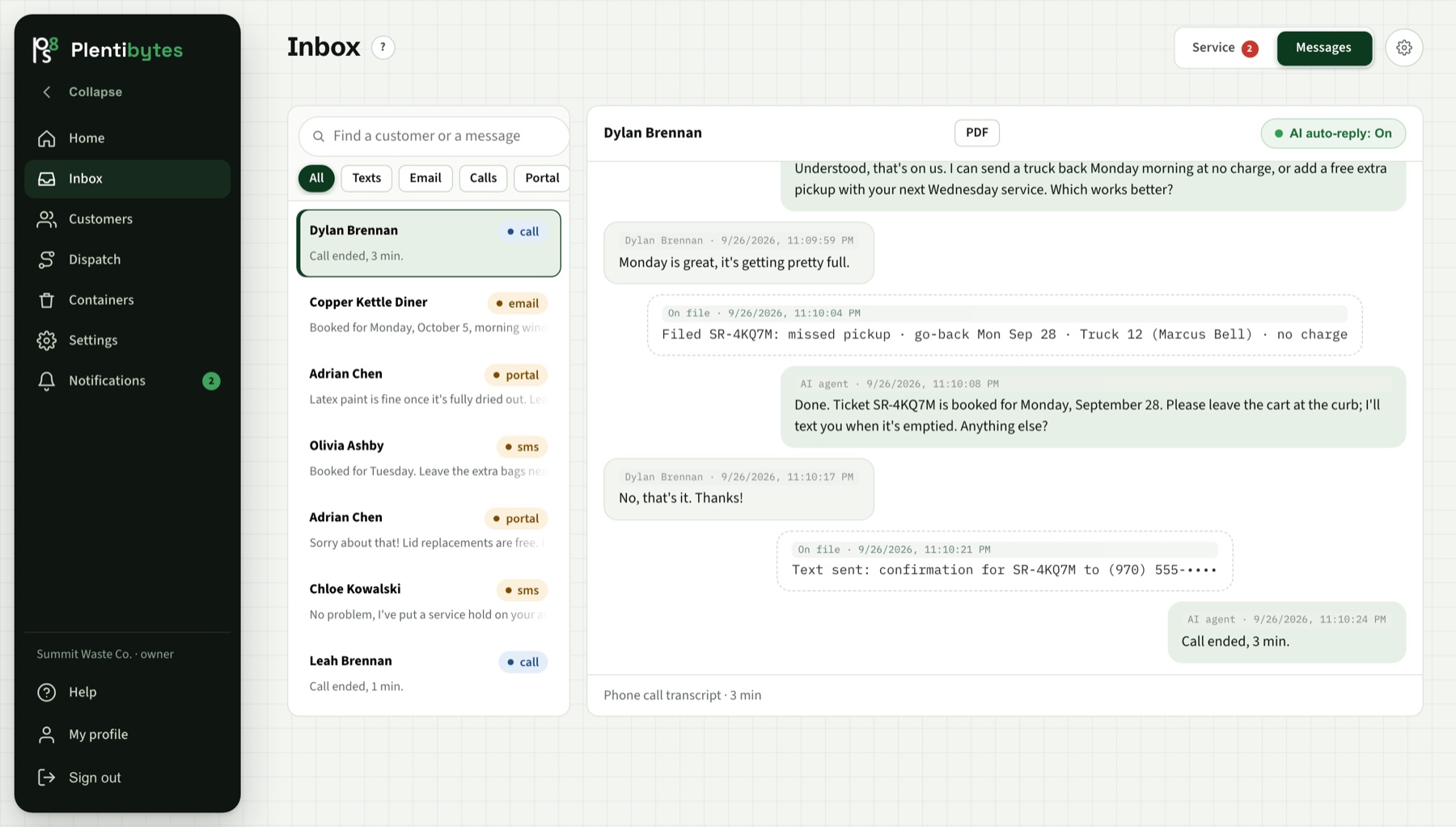
Answers as your company, reads the account and the ticket history first, and files the request to the right hauler.
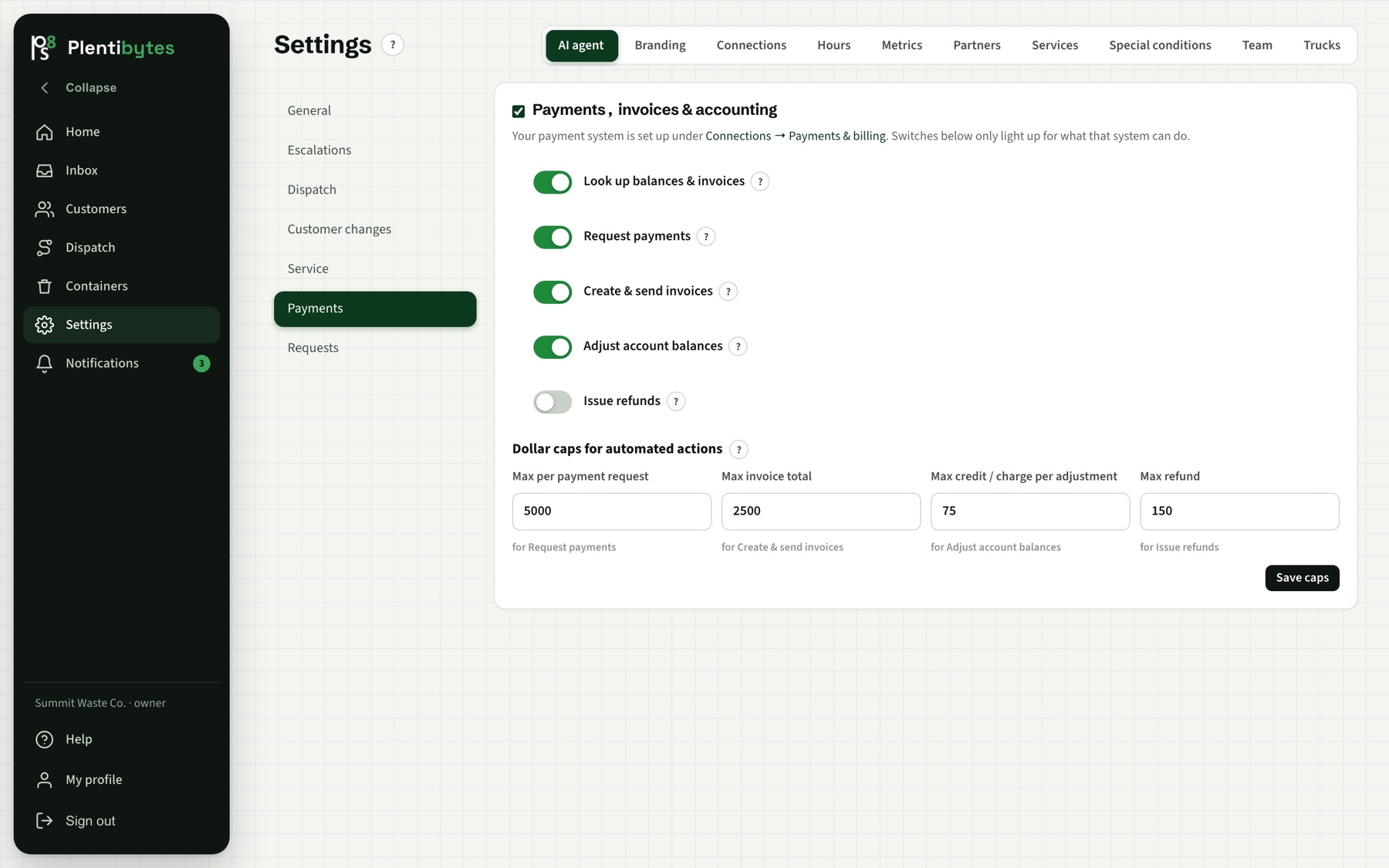
Payment links, invoices and balances for your customers, with a cap on every agent action.
Common questions
Each customer and container is assigned a service provider. A request files as a ticket on that provider, they are notified, and they update it from their own portal or by email.
Yes. With provider service on, the agent can email a hauler or phone them to request a pickup, and the hauler's reply moves the ticket.
Only if you want them to. The agent speaks as your company and never names the hauler unless your rules say so.
The Home page shows tickets waiting on each provider and their median time to first update over the last 30 days.
Keep reading
Book a demo and we set up one customer, two sites and their haulers.